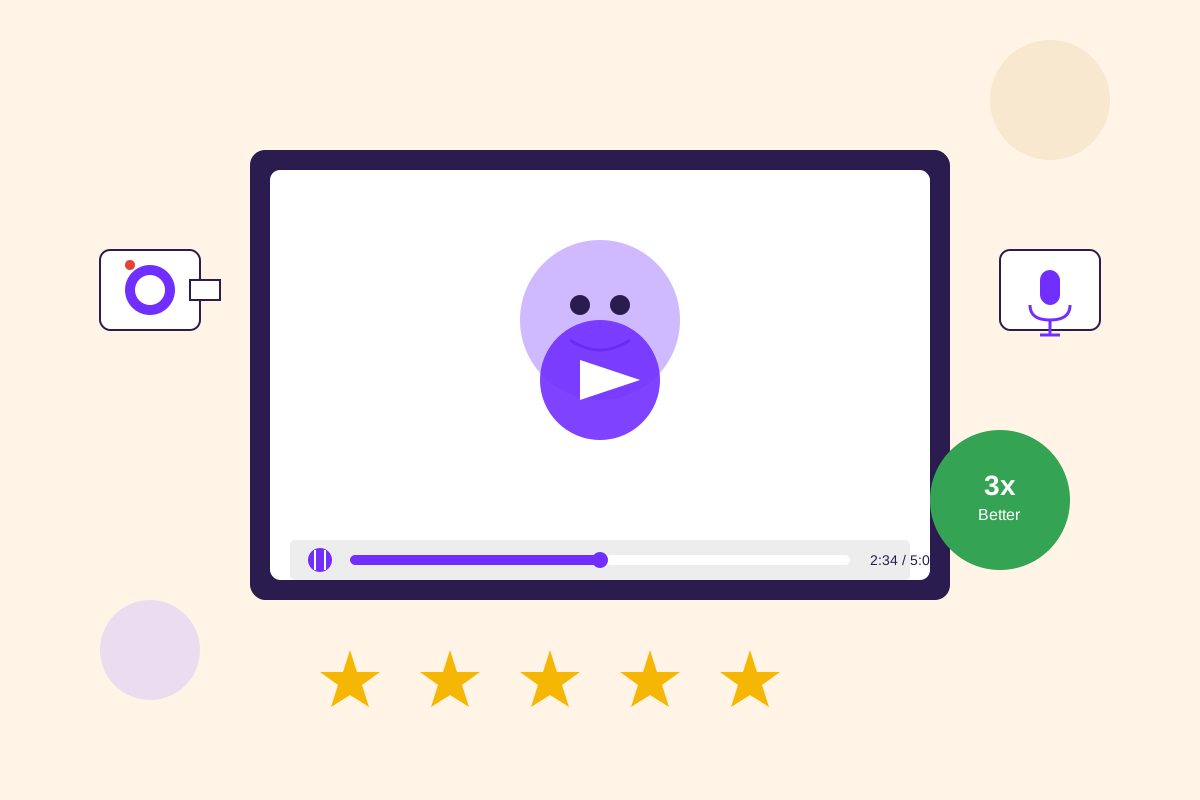
Video testimonials convert 3x better than text. They’re more authentic, more emotional, and way harder to fake.
But when I first looked into collecting video testimonials, every agency quoted $5,000-$20,000 per video. For a professional crew, lighting, multiple camera angles, editing, motion graphics—the whole production.
At that price, we could afford maybe one or two videos per year. Which meant we’d feature the same testimonials forever, never updating them, never showing the breadth of our customer base.
Then I discovered the self-service approach. Customers record themselves on their webcams or phones. We provide simple instructions and questions. They send us the raw footage. We do basic editing (cleanup, lower-thirds, captions). Total cost: basically zero.
The crazy part? These self-service videos often perform better than the professionally produced ones. They feel more authentic, more real, less like polished marketing.
Here’s how to do it.
Why self-service videos work
Professional video production looks amazing. Crisp 4K footage, perfect lighting, smooth camera movements, polished editing.
But that polish can work against you. Viewers see a professional video and think “marketing.” They see someone speaking naturally on a webcam and think “real person, real opinion.”
The authenticity signal matters enormously for testimonials. You want people to believe the person on screen is giving their genuine opinion, not reading a script written by your marketing team.
Self-service videos also let you collect volume. Instead of one $10K video per quarter, you can collect 10-15 videos per quarter at basically no cost. This means you can show testimonials from different industries, different company sizes, different use cases. That diversity builds more trust than one perfect video ever could.
And honestly? Modern webcams and phone cameras are good enough. Most people have 1080p webcams. Phone cameras shoot 4K. The technical quality is fine for web and social media use.
The request that gets yes responses
When I first started asking for video testimonials, I’d say: “Would you be willing to record a video testimonial for us?”
Response rate: maybe 5-10%. And the people who did say yes often felt anxious about it.
The problem was I wasn’t addressing their concerns. Recording a video feels scary. What if I mess up? What if I look stupid? How long should this be? What should I say?
Now my requests address all that upfront:
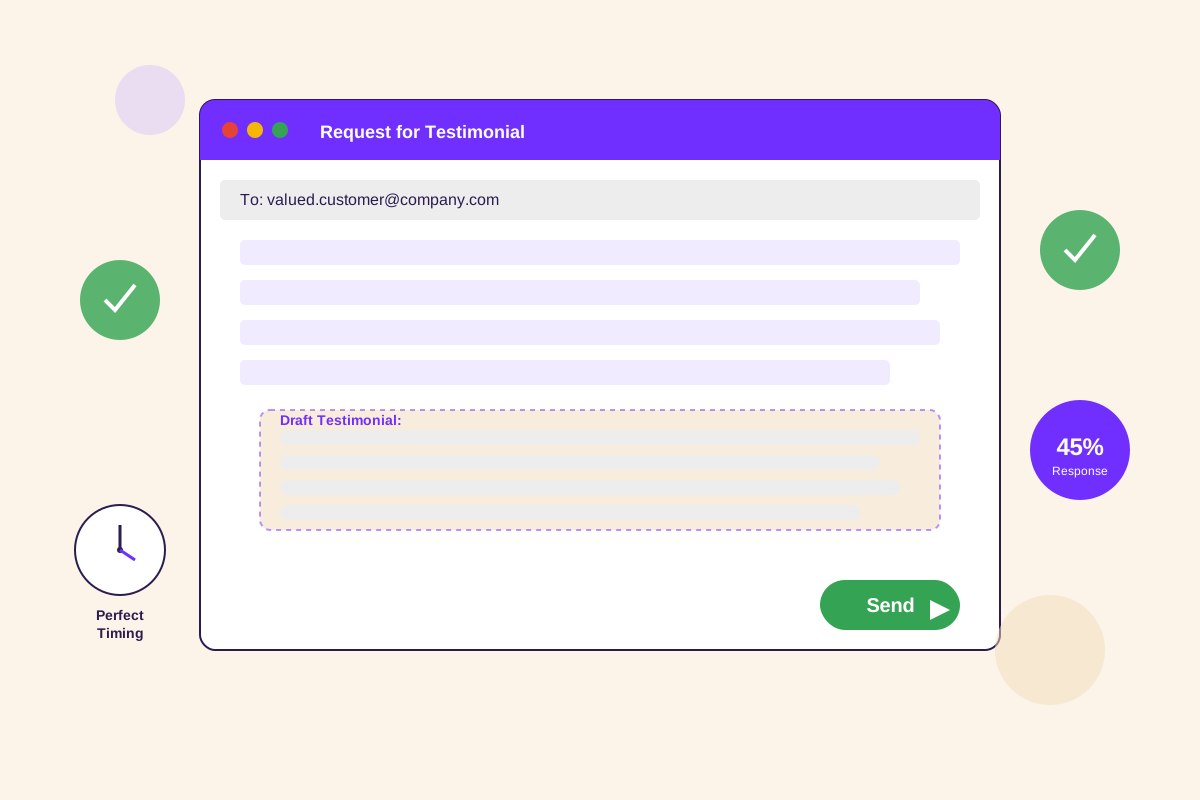
Hi Sarah,
Your results with HelloTrust have been incredible—reducing audit prep from 6 weeks to 10 days. Would you be open to recording a quick video testimonial sharing your experience?
To make this super easy:
- I’ll send you 3-4 questions to answer (you pick which ones resonate)
- Record via your webcam or phone—no fancy equipment needed
- 1-2 minutes total, casual and conversational (not scripted)
- Multiple takes are totally fine—pick your favorite
- Use this one-click recording link (no software to install)
Time commitment: 5-10 minutes total
Here’s an example of what the final video looks like: [link to example]
Only if you’re comfortable on camera—totally understand if not!
Thanks, James
The key additions:
I tell them exactly how long (1-2 minutes of content, 5-10 minutes total with takes).
I explicitly say they can do multiple takes. This removes the performance anxiety of having to nail it in one shot.
I show an example. This sets expectations about the format and quality level.
I give an easy out. “Only if you’re comfortable on camera” acknowledges that video isn’t for everyone.
Response rate on this format: about 30-35%, compared to 5-10% before.
The technical setup (keep it simple)
For recording, you have three options:
Option 1: Self-service recording platform (easiest for customers). Tools like Testimonial.to, Loom, or built-in features in customer success platforms. Customer clicks a link, records through their browser, hits submit. No software installation. No file uploads. This is what I recommend for most people.
Option 2: Zoom call recording. Schedule a 15-minute call, record it, ask your questions. More natural because it’s conversational. Downside: requires scheduling and the video quality is limited by Zoom’s compression.
Option 3: They record and send. Give them instructions for recording on their phone or webcam, they send you the file. Only do this if they explicitly prefer it—most people find the file upload process annoying.
For most situations, option 1 (self-service platform) is ideal. It’s zero friction for the customer and you get reasonable quality video without dealing with file transfers.
The questions that produce great answers
The questions you ask determine the quality of testimonial you get.
Bad questions produce vague answers. “What do you think of our product?” leads to “It’s great, I really like it.”
Good questions force specificity. Here are the ones I use:
For outcome-focused testimonials:
“What specific results have you achieved? Can you share any metrics?”
This gets them thinking about numbers and measurable outcomes instead of generic praise.
For journey-based testimonials:
“What challenge or frustration led you to look for a solution like ours?”
“What changed after you started using [product]?”
These create a before/after narrative that’s naturally compelling.
For differentiation:
“What made you choose us over alternatives?”
“What surprised you most about [product]?”
These highlight your unique value without you having to say it.
I typically send 4-5 questions and tell them to pick 2-3 that resonate most. Giving them choice makes it less intimidating and ensures they talk about what matters to them.
The one-paragraph script template
Some customers want more structure. For them, I provide this simple script:
Hi, I’m [Name], [Title] at [Company].
Before [Product], we were [challenge/frustration]. This was costing us [time/money/opportunity].
We started using [Product] and [what changed].
The results have been [specific metric]. We’ve seen [outcome 1], [outcome 2], and [outcome 3].
If you’re [target persona] dealing with [problem], I highly recommend [Product].
Total time: 60-90 seconds when read naturally.
They can follow this exactly, or use it as a starting point and riff in their own words. Either way, it ensures they hit the key points.
Recording tips to share with customers
Send these tips before they record:
Technical stuff:
- Use landscape mode on phones (not portrait)
- Position camera at eye level (not looking down)
- Face a window or turn on a desk lamp for lighting
- Find a quiet room with no background noise
- Test your audio first—speak at normal volume and listen back
What to wear:
- Business casual or whatever you’d wear for video calls
- Solid colors work better than patterns
- Look professional but be yourself
Delivery tips:
- Look at the camera, not the screen
- Speak conversationally like you’re talking to a colleague
- It’s okay to pause and think—we can edit out pauses
- Don’t worry about being perfect—authentic beats polished
- If you mess up, just pause and start that section again
The last point is critical. People worry about messing up. Telling them explicitly that mistakes are fine and we can edit reduces anxiety significantly.
Basic editing (10 minutes per video)
You don’t need fancy editing. Here’s the minimum:
Trim the intro and outro. Cut the “okay, let me start…” beginning and the “was that okay?” ending. Start and end with actual content.
Add a lower-third graphic. Name, title, company, verification badge if applicable. This adds professionalism and provides context.
Add captions. 85% of social video is watched without sound. Captions make your video accessible and increase engagement. Tools like Descript auto-generate captions in minutes.
Light audio cleanup. Normalize volume so it’s consistent. Remove severe background hum if present. Don’t overdo it—maintain authenticity.
Total time: 10-20 minutes per video using simple tools like iMovie, Descript, or DaVinci Resolve (free).
For the lower-third graphic, create a simple template once, then just swap out the name/title/company for each new video. This keeps consistency and saves time.
When customers say no to video
About 60-70% of customers will say no to video testimonials. That’s normal. Video is more intimidating than text.
My response:
No problem! Would you be open to a text testimonial instead? I can draft something based on your results and you just need to review and approve—takes 2 minutes.
Almost everyone who says no to video will say yes to text. You still get the testimonial, just in a different format.
Occasionally someone will say “I’m not comfortable on camera but I’m fine doing audio.” Great! They can record a voice memo on their phone and send it. You can use that as audio-only, or pair it with B-roll footage and graphics for a different style of video.
The key is having multiple format options and not making video feel mandatory.
Where to use video testimonials
Don’t hide them. Video testimonials should go in high-traffic, high-intent places:
Homepage hero or mid-page section. This is prime real estate. A video testimonial here catches attention and builds immediate trust.
Pricing page. After prospects see your prices, hit them with social proof. Video works especially well here because it’s harder to scroll past than text.
Product feature pages. Match the testimonial to the feature. Someone talking about a specific capability is incredibly persuasive.
Sales conversations. Send relevant video testimonials during the sales process. “Here’s someone from a similar company talking about exactly what you’re asking about.”
The worst place to put video testimonials? A dedicated “video testimonials” page buried in your site structure. Put them where prospects actually look.
Start with three customers
If you’re thinking “this sounds great but I’ve never collected a video testimonial,” here’s how to start:
Identify three customers who’ve had great results and seem comfortable on camera. Check if they’ve done webinars, podcast interviews, or post LinkedIn videos—these people won’t be camera-shy.
Send them the request email format above. Include the question list and the script template. Show an example if you have one (or show a testimonial video from another company to set the style).
Even if only one says yes, that’s your first video testimonial. Use it, see how it performs, get comfortable with the process.
Next month, ask three more. Build momentum gradually.
Video testimonials feel intimidating at first, but once you have a system, they’re just another testimonial format—and one that happens to convert 3x better than text.
Want to automate video testimonial collection? See how HelloTrust provides customers with one-click recording, automatic transcription, and self-service testimonial publishing—turning collection from a 60-minute process into a 2-minute workflow.